

Home | Solutions | Intelligent Workspaces | Commercial Lighting
Commercial Lighting
Presence aware
Illuminate spaces when needed and reduce unnecessary lighting in empty areas.
Daylight responsive
Adjust artificial lighting around available daylight for consistent working conditions.
Flexible scenes
Adapt lighting for desk work, meetings, presentations and cleaning.
Energy conscious
Coordinate brightness, schedules and occupancy to reduce unnecessary electricity use.
Simple control
Manage lighting through intuitive wall controls and authorised app access.
Commercial Lighting
Can lighting turn on automatically when people enter?
Yes. Suitable presence sensors can activate lighting when an area is occupied and additional light is needed. Lighting can then dim or switch off after a configured period without presence.
Can lighting adjust to changing daylight?
Yes. With suitable brightness sensors and dimmable fixtures, lighting can adjust towards a configured brightness target as daylight changes. Sensor positioning and commissioning help ensure the system responds appropriately.
Can different areas have different lighting settings?
Yes. Workspaces, meeting rooms, reception areas and corridors can have separate settings, schedules and scenes based on how each area is used.
Can staff still control the lights manually?
Yes. Wall controls and authorised app access can provide manual adjustments and scene selection alongside automatic operation.
Can existing lighting fixtures be retained?
Often, depending on the fixtures, drivers and available wiring. DY-Techniek checks whether existing lighting supports the required switching or dimming functions and identifies any upgrades needed.
Can lighting accommodate cleaners and staff working late?
Yes. Dedicated scenes, presence detection and authorised overrides can provide appropriate lighting in selected areas outside normal working hours.
How much energy can intelligent lighting save?
Savings depend on your existing installation, occupancy patterns, daylight availability and operating hours. Reducing unnecessary runtime and brightness can lower consumption, but results vary between buildings.
Lighting designed around work
Good lighting supports the way a workplace functions.
A desk, meeting room and reception area each have different requirements. Those requirements also change throughout the day as people move between spaces and natural light levels vary.
DY-Techniek combines suitable fixtures, sensors and Loxone controls to create lighting that responds to these conditions. The result is a more consistent experience for staff and visitors, with fewer everyday adjustments.
Intelligence behind every light
The right response for each space.
Intelligent lighting uses presence information, measured brightness, schedules and selected scenes to determine how an area should be illuminated.
Loxone coordinates these inputs with compatible lighting equipment, allowing individual zones to respond independently while remaining part of the wider building system.
- Detect when rooms and working areas are occupied.
- Measure brightness through appropriately positioned sensors.
- Adjust compatible lighting towards configured levels.
- Apply scenes for different activities and operating hours.
- Coordinate lighting with shading and other connected functions.
Presence-based lighting
Light where work happens.
Not every part of a building needs the same lighting at the same time.
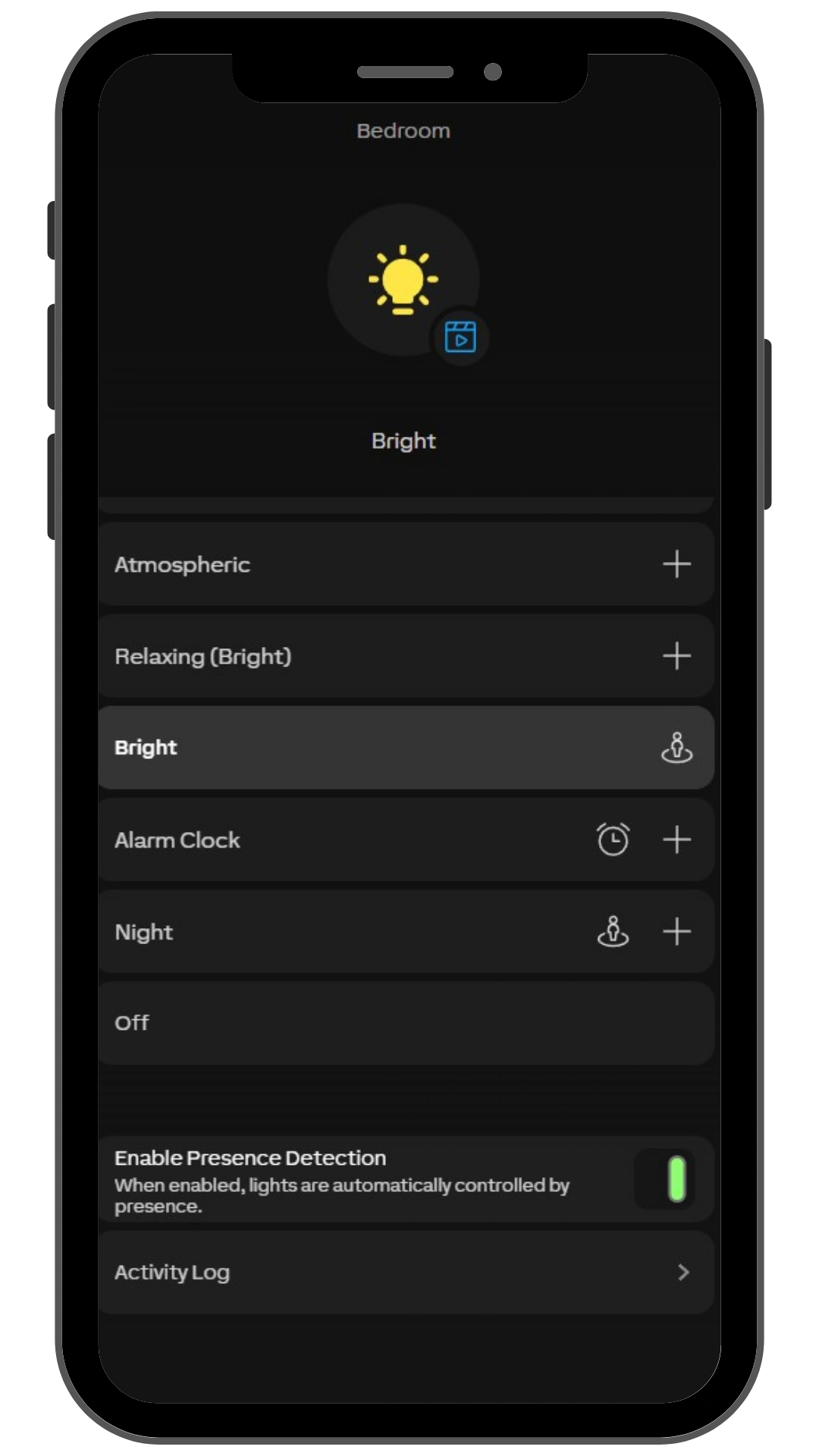
Presence-based control allows meeting rooms, shared areas and circulation spaces to respond as people use them. When an area becomes empty, lighting can dim or switch off after an appropriate delay.
Detection coverage and timing are planned around each space, including seated work where movement may be limited.
Occupied workspaces
Activate suitable lighting when people are present and illumination is needed.
Empty rooms
Dim or switch off selected lighting after a configured absence period.
Shared routes
Control corridor and circulation lighting around movement and building use.
Flexible working
Support occupied areas outside normal hours through presence and authorised overrides.
Daylight-responsive lighting
Make natural light part of the plan.
Rooms near windows may need less artificial light than areas deeper inside the building.
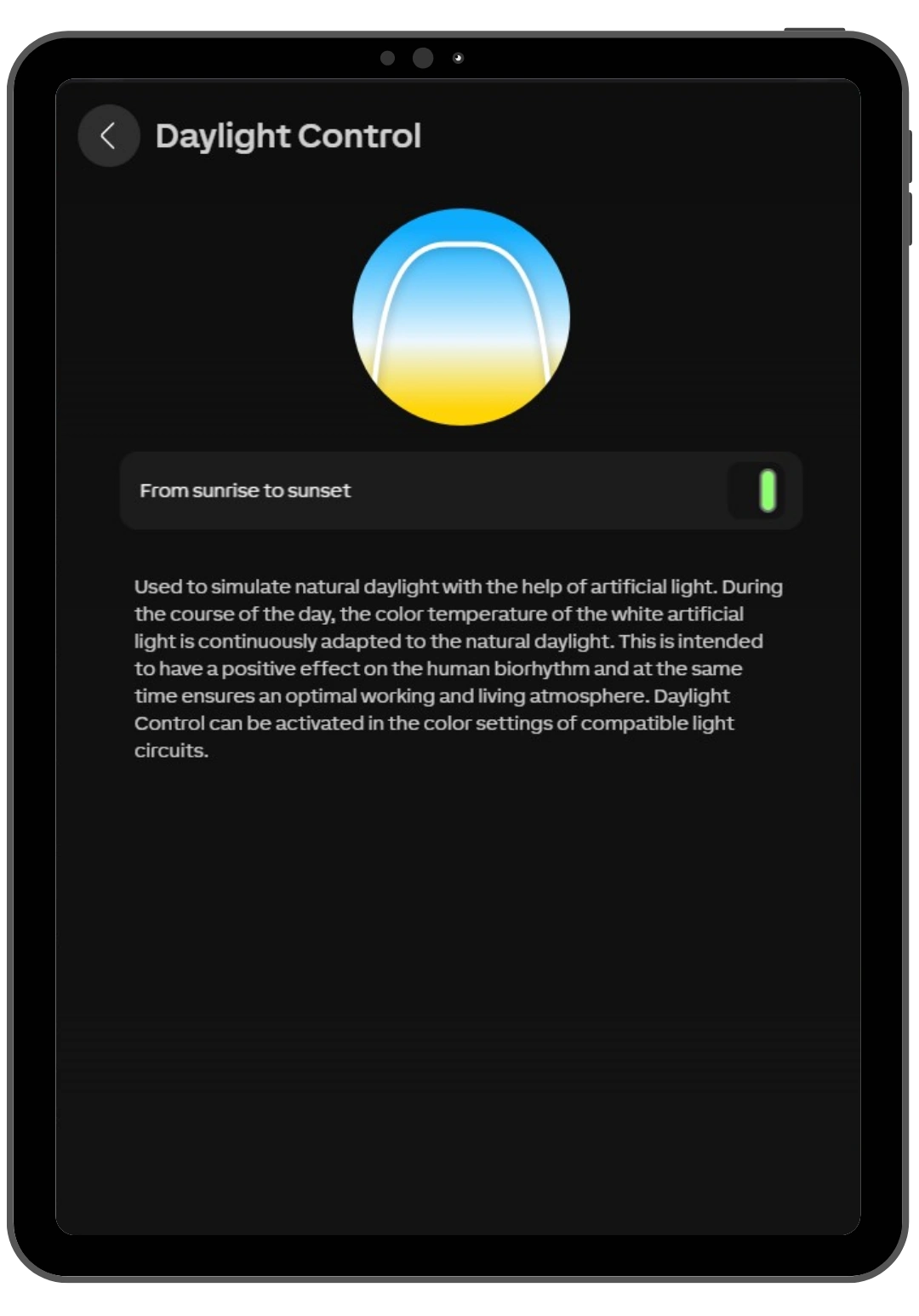
With suitable zoning, brightness measurements and dimmable fixtures, lighting can respond to those differences. As daylight increases, artificial illumination can reduce; when conditions become darker, it can increase towards the configured target.
Careful commissioning helps create gradual adjustments that suit the working environment.
Consistent illumination
Adjust artificial lighting to help maintain the intended light level.
Responsive zones
Allow window-side areas and deeper workspaces to respond differently.
Less unnecessary output
Reduce artificial lighting when daylight already provides sufficient illumination.
Lighting scenes
Different activities. The right setting.
A meeting room might host a presentation, a team discussion and a training session within the same day.
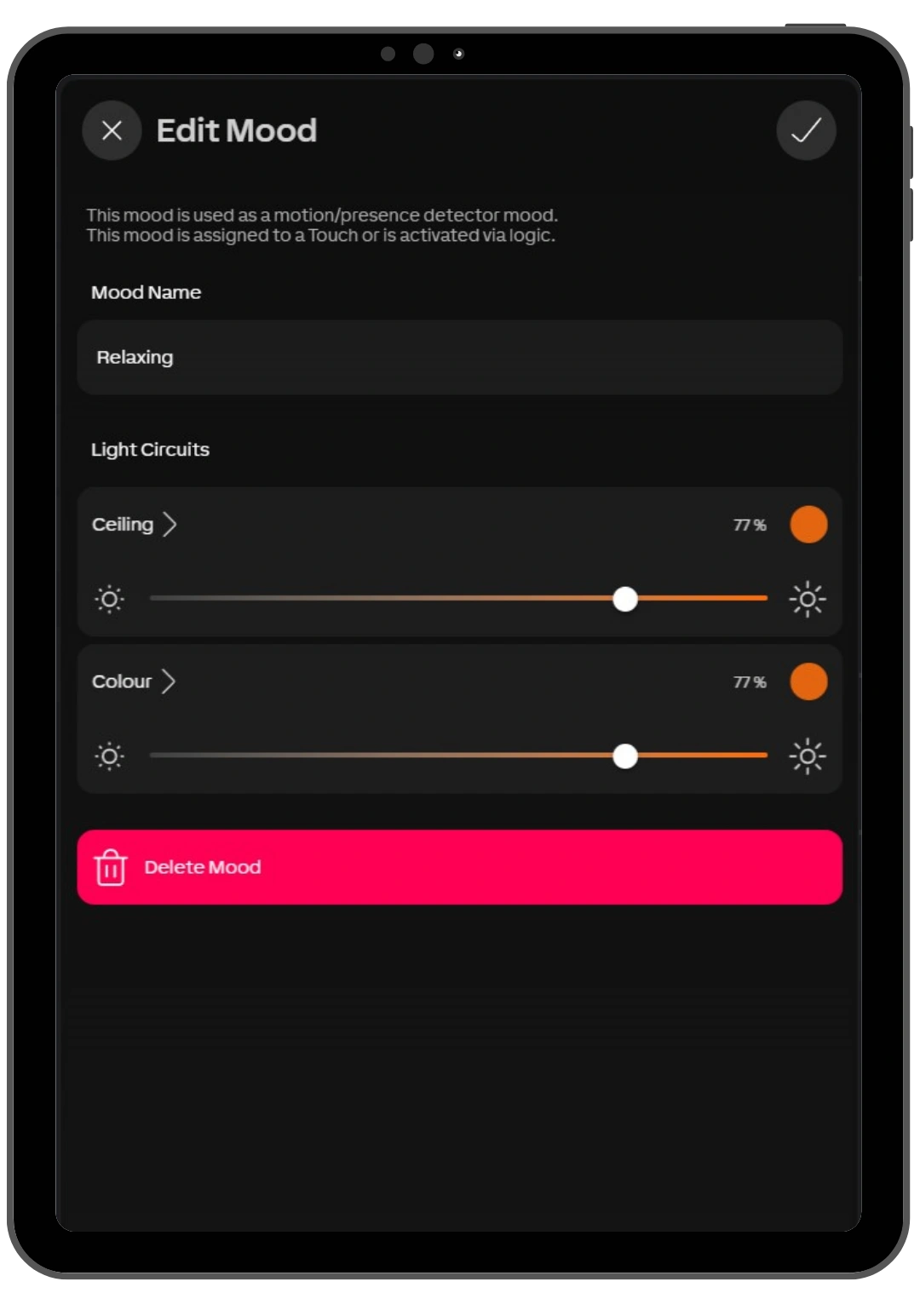
Lighting scenes bring selected fixtures and brightness levels together, allowing the room to change with a simple command. Scenes can also support reception hours, cleaning and other recurring activities.
Desk work
Provide a lighting arrangement suited to everyday working tasks.
Presentations
Reduce light around screens while retaining useful illumination elsewhere.
Meetings
Create balanced lighting for discussion, reading and collaboration.
Cleaning
Activate practical lighting in the areas being serviced.
One scene can coordinate several lighting zones without adjusting each fixture individually.
Lighting works with the building
Better coordination. More comfortable spaces.
Lighting and shading both influence how daylight is experienced indoors.
By connecting these functions, the system can manage them together. Blinds can help reduce direct sunlight on screens, while lighting responds to the resulting room brightness.
Afternoon sunlight…
Shading
Moves to the configured position to help manage direct sun and glare.
Lighting
Adjusts compatible fixtures as measured brightness changes.
Presence
Determines whether the area requires its occupied lighting setting.
Each function contributes to the same working environment.
Commercial lighting technology
Technology working behind the scenes.
Effective lighting control starts with the space and the tasks performed within it.
DY-Techniek considers fixture selection, control zones, sensor placement and daily operating patterns to plan an installation that is practical to use and manage.
Presence sensors
Provide occupancy information for automatic lighting operation in selected rooms and areas.
Brightness sensors
Measure light levels to support daylight-responsive control.
Lighting interfaces
Connect compatible fixtures and drivers through suitable technologies such as DALI.
Touch controls
Provide straightforward access to lighting adjustments and room scenes.
Miniserver
Coordinates lighting with sensors, schedules, shading and other connected building functions.
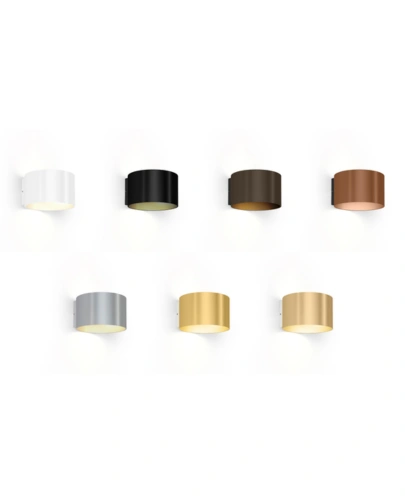
Wever & Ducré Lights Wall Surface
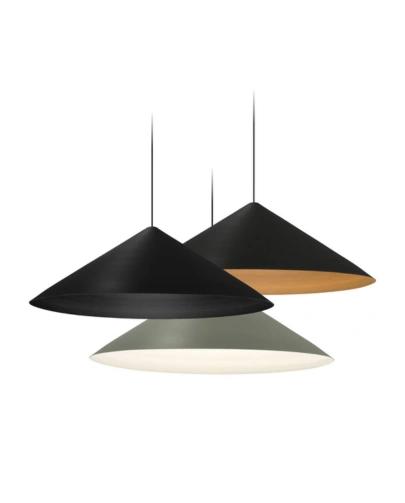
Wever & Ducré Lights Ceiling Suspended
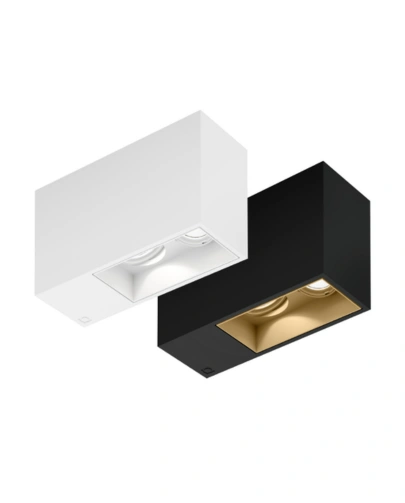
Wever & Ducré Lights Ceiling Surface
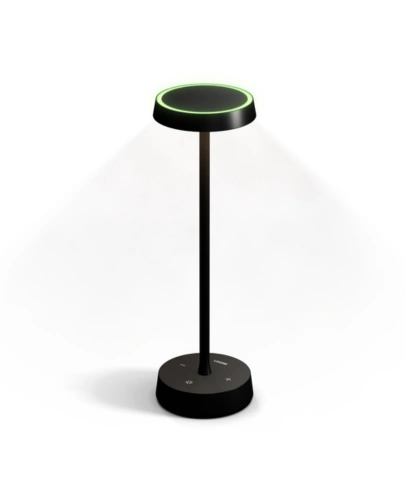
Table Lamp Air Anthracite
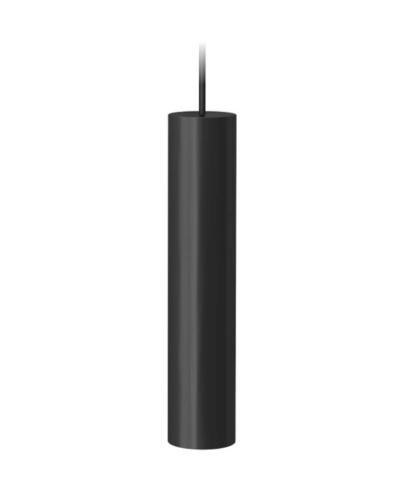
LED Pendulum Slim RGBW Tree Anthracite
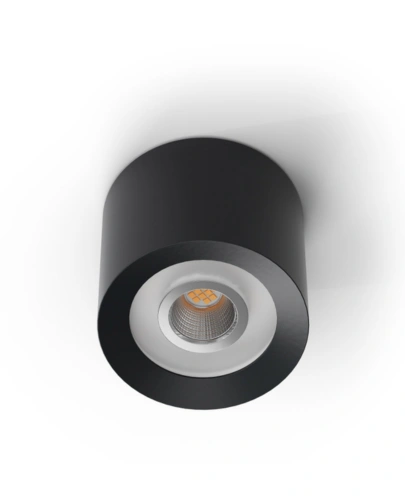
LED Ceiling Spot RGBW Tree Anthracite
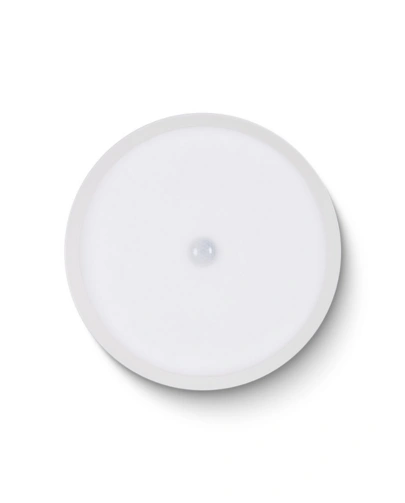
LED Ceiling Light RGBW Air White
Compatibility
Intelligent control with flexibility in fixture selection.
Commercial lighting needs to support the architecture, interior and practical use of the building.
Loxone can integrate suitable third-party lighting through supported interfaces, including DALI. The available functions depend on the fixtures, drivers and control equipment selected.
DY-Techniek reviews your lighting specification to determine the appropriate integration approach, whether you’re planning a new installation or upgrading existing spaces.
Intelligent Workspaces

Climate Control
Security Automation

Energy Optimisation

Access Control

Office Automation
Put your workplace in the right light.
Intelligent lighting, designed
around your people and
premises.
Create comfortable working conditions, simplify everyday control and reduce lighting that runs unnecessarily. Bring presence detection, daylight response and practical scenes together in a system tailored to your building.